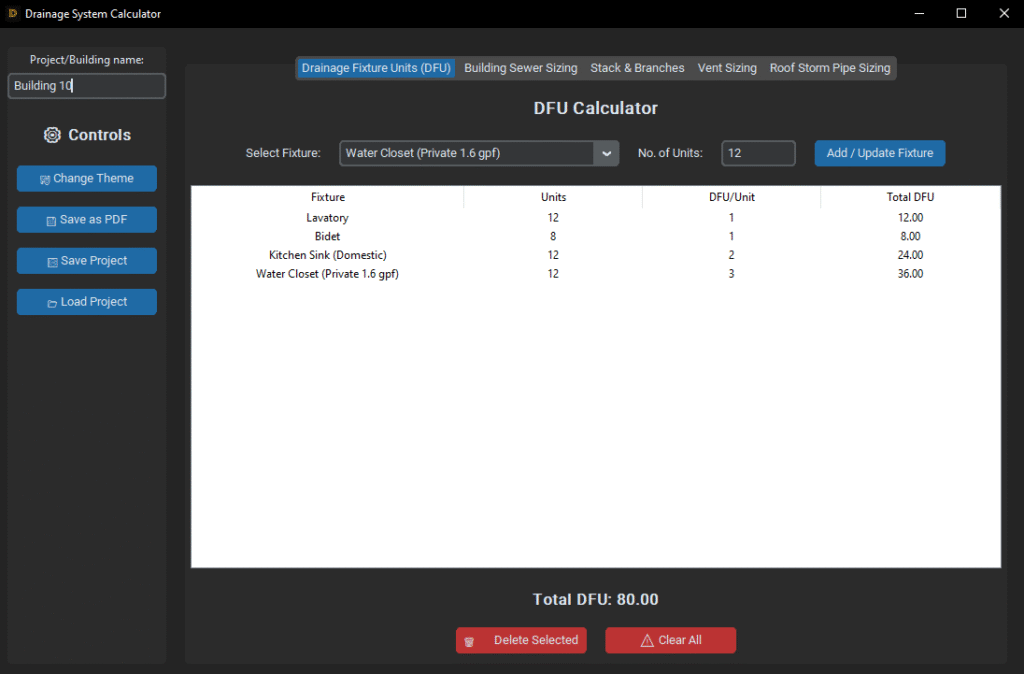
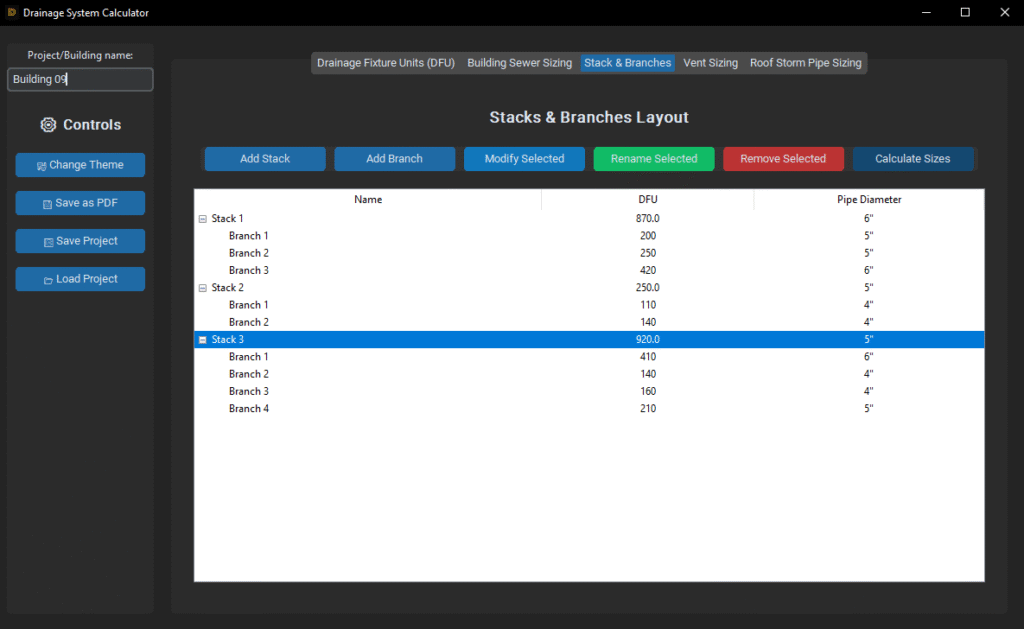
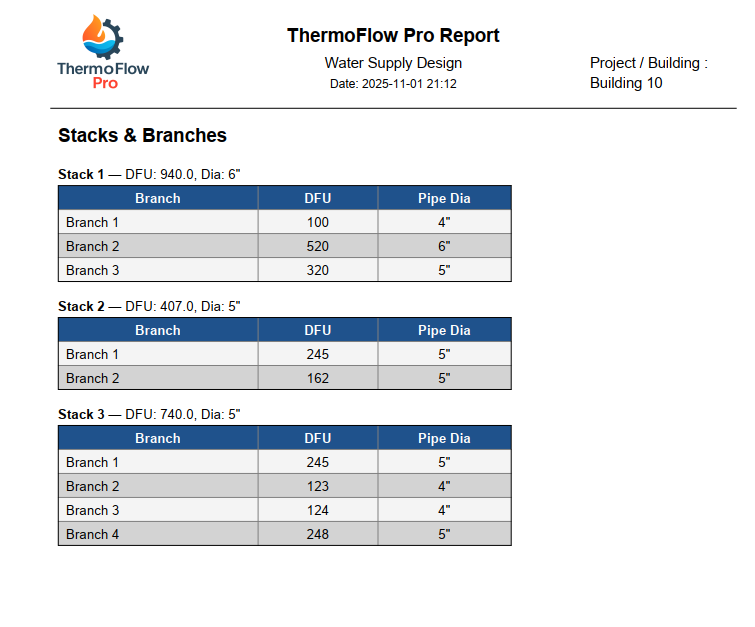
A professional desktop tool for plumbing and drainage design. Calculates DFU loads, sewer and vent sizes, and roof storm drainage — all in one clean, intuitive interface. Includes PDF reporting and full project save/load support for MEP engineers.
💧 DFU Calculator 🧱 Sewer Sizing 🌧️ Roof Storm Sizing 🌬️ Vent Pipe Sizing 🧮 Auto PDF Reports
Why ThermoFlow Pro?
Reliable Calculations (Based on IPC & ASPE)
Smart, Simple, Intuitive UI
Ready for Real Projects
FAQ
Q1: How does Drainage system calculator determine the pipe size for sanitary drainage? A: The tool utilizes the Drainage Fixture Unit (DFU) method as defined by international plumbing codes (such as IPC or UPC). By summing up the DFU values for all connected fixtures, the calculator automatically selects the minimum required pipe diameter based on the allowed capacity for different slopes (1%, 2%, or 4%).
Q2: Does the tool account for horizontal vs. vertical stacks? A: Yes. The calculator distinguishes between horizontal branches, building drains, and vertical stacks. This is crucial because vertical pipes (stacks) generally have a higher DFU capacity compared to horizontal pipes of the same diameter due to the effects of gravity and air-flow dynamics.
Q3: How is the rainwater pipe size calculated in the Stormwater module? A: Stormwater sizing is based on two primary factors:
Roof Area: The total horizontal projected area ($m^2$ or $sq.ft$).
Rainfall Intensity: The specific local rainfall rate ($mm/hr$ or $in/hr$).
The tool calculates the total flow rate ($Q$) and then determines the pipe size based on the vertical leader or horizontal gutter capacity.
Q4: Can I adjust the slope for horizontal drainage pipes? A: Absolutely. The calculator allows you to input specific slopes (e.g., $1/8″$, $1/4″$, or $1/2″$ per foot). Increasing the slope increases the velocity and the DFU capacity of the pipe, potentially allowing for a smaller diameter while maintaining self-cleansing velocity.

 Drainage System Calculator